Spotify Playlist Downloader
Download Spotify Playlists in MP3
Paste a Spotify playlist URL and download all songs at once — fast, free, and unlimited.
Facing issues? Contact Us
How to Download Spotify Playlists?
Step 01
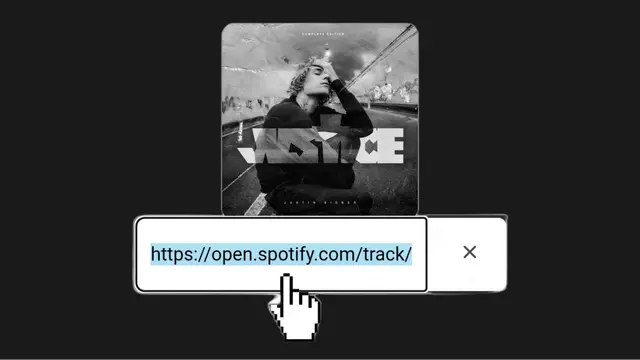
Copy the Playlist URL
Open Spotify and go to the playlist you want to download. Copy the playlist link from the app or website.
Step 02
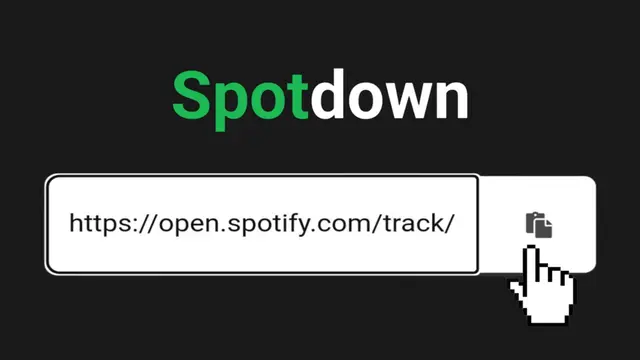
Paste the URL
Visit SpotisDownloader and paste the copied playlist link into the input box above.
Step 03
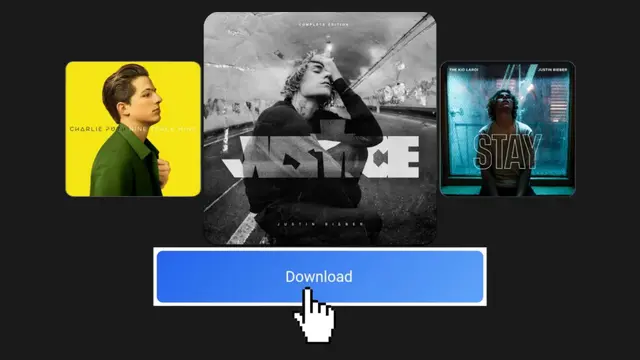
Click Download
Click the download button. All songs from the playlist will appear. Download individual tracks or use Download All.
Download Spotify Playlists
SpotisDownloader Spotify Playlist Downloader helps you download complete Spotify playlists in MP3 format with ease. You can save all songs from a playlist directly to your device without installing any app.
This online Spotify playlist downloader is free to use and works on all devices. There is no limit on downloads, so you can download full playlists anytime with original audio quality.
The downloading steps are simple and beginner-friendly. Just copy the playlist link, paste it into the tool, and start downloading.
If you don’t have the playlist link, you can still search for playlists using the search box above. No account or subscription is required to use this tool.
Spotify Playlist Downloader Features
Playlist Downloader
This Spotify playlist downloader allows you to download full playlists at once. All songs are fetched quickly and displayed for easy downloading.
You can download selected songs or download the entire playlist in one click. The tool is completely online and free to use.
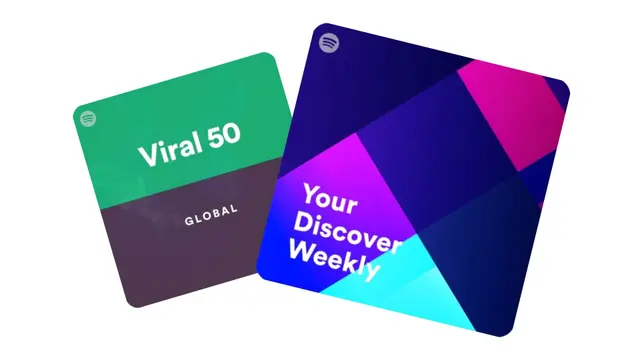
Spotify MP3 Playlist Downloader
With this Spotify MP3 playlist downloader, you can convert Spotify playlists into MP3 files in high quality.
There are no limits on playlist size or number of downloads. Simply paste the playlist URL and download all songs with fast speed.
Spotify Music Playlist Downloader
This Spotify music playlist downloader lets you save Spotify playlist songs on your device for offline listening.
No registration is required. Just paste the playlist link, click download, and enjoy your favorite playlist anytime.
Frequently Asked Questions (FAQ)
Is this Spotify Playlist Downloader free to use?
Yes, it is completely free with no hidden charges.
Can I download full playlists at once?
Yes, you can download the entire playlist or choose individual songs.
Is it safe to use this playlist downloader?
Yes, the tool is safe and secure. We do not store downloaded files or user data.
Which devices are supported?
SpotisDownloader works on mobile, tablet, PC, and desktop devices.
Which devices are supported?
All devices including Android, iOS, Windows, Mac, and Linux.
Do I need to create an account?
No signup or login is required.